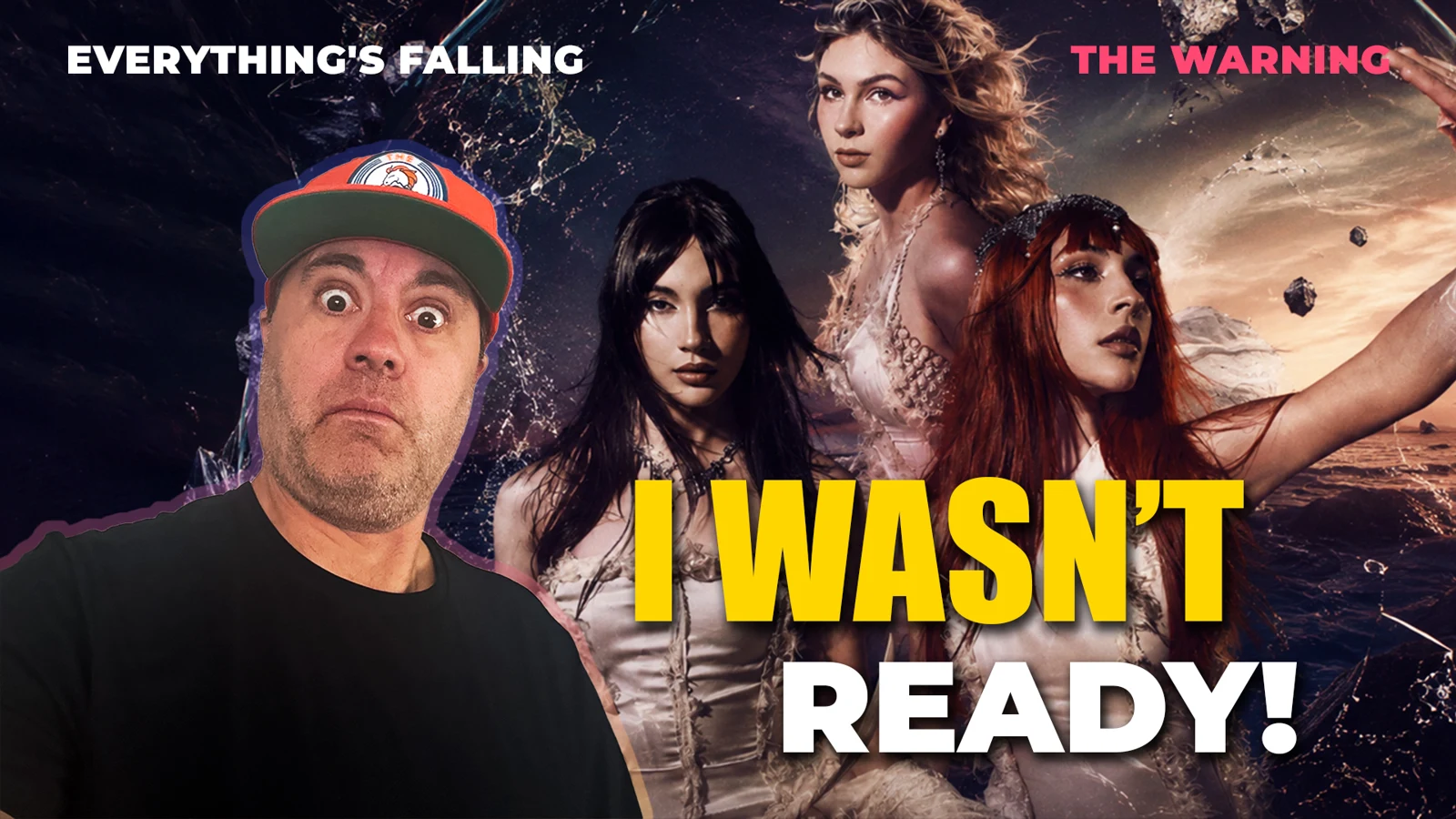
YouTube shows one banner on a TV, a laptop and a phone, and crops it differently on each. Thumbnails have changed too: YouTube now recommends 3840 × 2160, while most guides still say 1280 × 720. This page lists every size your channel needs, and where the safe areas are. Every figure comes from YouTube's own help pages, checked on 31 October 2026. Where a number is our own working or advice, we say so.
Quick reference
| Image | Size | Limits |
|---|---|---|
| Channel banner | 2560 × 1440 px recommended, 2048 × 1152 px minimum, 16:9 | 6 MB |
| Banner safe area | 1235 × 338 px, measured on the 2048 × 1152 version | Text and logos go here |
| Profile picture | Renders at 98 × 98 px | 15 MB. JPG, GIF, BMP or PNG, no animated GIFs |
| Video thumbnail | 3840 × 2160 px, 16:9, at least 640 px wide | 50 MB on desktop, 2 MB on mobile |
| Shorts thumbnail | 2160 × 3840 px, 9:16, at least 640 px high | 50 MB on desktop. Added in Studio on a computer |
| Podcast playlist thumbnail | 1:1 | 50 MB on desktop, 10 MB on mobile |
| Video watermark | Square, at least 150 × 150 px | Under 1 MB |
| End screen custom image | At least 300 × 300 px | Last 5–20 seconds of a video |
Logo files and sizes for your other platforms are in the Creator Brand Kit. Twitch and Kick graphics are in stream graphic sizes.
The channel banner
- Upload size: at least 2048 × 1152 px at 16:9. YouTube recommends 2560 × 1440 px, especially for TV.
- File size: 6 MB or smaller.
- Safe area: 1235 × 338 px at the minimum size. That's the only part that's meant for text and logos.
- No extras: YouTube asks for no shadows, borders or frames, because the image gets cropped on certain views and devices.
The same image is used on computer, mobile and TV. A TV can show all of it, and smaller screens show a strip across the middle. So design it as two layers: the strip for anything that has to be read, and everything around it as background that can lose its edges.
Placing the safe area
YouTube gives the safe area on the 2048 px version. If you work at the recommended 2560 × 1440, multiply by 1.25, which puts it at about 1544 × 423 px (our working, not YouTube's figure). Either way, keep it centred.
- Put a box of that size in the middle of your canvas as a guide before you design anything.
- Your name, logo, upload schedule and handles all go inside it.
- Check the crop preview when you upload. YouTube shows how the banner will look before you publish.
Official Artist Channels work differently: the banner only shows on computer and mobile, and the TV and YouTube Music image is set separately.
Video thumbnails
- Size: 3840 × 2160 px recommended, with a minimum width of 640 px. Use a 16:9 ratio.
- Format: image formats such as JPG or PNG.
- File limit: 50 MB from a computer and 2 MB from a phone. A large file that fails on your phone can still go up from a desktop.
- Verification: your account must be verified to upload a custom thumbnail. That's the phone check in YouTube Studio, not the checkmark badge.
- Daily limit: channels have a limit on custom thumbnails per day. If you see "Daily custom thumbnail limit reached", try again in 24 hours.
YouTube says a thumbnail should be as large as possible, because it's also the preview image in the embedded player.
Design note (ours, not YouTube's): most people see a thumbnail at the size of a sidebar suggestion, not full screen. One face or object, three or four words at most, and strong contrast. Keep important details away from the bottom right corner, where the video length sits.
Test before you commit
YouTube Studio can A/B test up to 3 thumbnails, titles or combinations, on a computer. You need advanced features turned on. The option with the highest watch time is then shown to everyone, and the test should finish within two weeks. Changing the title or thumbnail during a test stops it. Shorts, scheduled lives and premieres can't be tested, though a premiere can once it has become a regular video.
Shorts thumbnails
- Size: 2160 × 3840 px recommended, at least 640 px high, at 9:16.
- Where to add one: YouTube Studio on a computer, under Content, then Shorts. Your account must be verified.
- Vertical videos and 16:9 thumbnails don't mix. If a vertical video has a 16:9 custom thumbnail, YouTube replaces it with an auto-generated 4:5 thumbnail on the home, explore and subscription pages. Your custom image still appears in the watch feed, watch history and on non-mobile platforms.
Profile picture
It renders at just 98 × 98 px, with an upload limit of 15 MB, as a JPG, GIF, BMP or PNG. Animated GIFs aren't allowed.
Design note (ours): upload a clean square at around 800 × 800 px rather than the display size, and use a small mark instead of a full wordmark. A name won't be readable at 98 px. Our Creator Brand Kit covers how to make one.
Video watermark
- Size: a square image, at least 150 × 150 px, under 1 MB.
- Display time: the last 15 seconds of the video, from a custom start time, or the entire video.
- Where it shows: in landscape view on computers and mobile. It isn't clickable on mobile.
- Where it doesn't: videos set as made for kids, and during an end screen.
Design note (ours): the watermark sits over your video, so a one-colour white mark usually works best.
End screens
- When: the last 5 to 20 seconds of a video. The video must be at least 25 seconds long.
- How many: up to four elements on a standard 16:9 video. Other ratios may allow fewer.
- What they can show: a video or playlist, a subscribe button, another channel, and, in the YouTube Partner Program, an external link.
- Custom images: at least 300 × 300 px.
- Where they don't show: videos set as made for kids, the YouTube Music app, mobile web and 360 videos. Viewers can also hide them.
YouTube's advice is to think about the last 20 seconds when you edit, so there's space and time for the elements. A simple background with room for four boxes works better than a busy final shot.
Where channels usually go wrong
- Designing the banner as one picture. The name sits near the top or bottom of the 16:9 image, and phones crop it off.
- Adding a border or frame. The crop cuts through it, which is why YouTube asks you not to.
- Exporting thumbnails at 1280 × 720. It's the size most old guides quote, and it looks soft on a large screen.
- Uploading a huge thumbnail from your phone. The limit there is 2 MB, not 50 MB.
- Using a full wordmark as the profile picture. At 98 px it can't be read.
- A 16:9 thumbnail on a vertical video. YouTube swaps it for an auto-generated 4:5 image on the home, explore and subscription pages.
- Ending the video with no room for an end screen. The elements land on top of whatever was on screen.
A checklist you can copy
- Banner at 2560 × 1440, under 6 MB, with everything important inside the safe area.
- Profile picture: a small mark on a clean square.
- Thumbnail template at 3840 × 2160, 16:9.
- Shorts thumbnail template at 2160 × 3840, 9:16.
- Watermark: square, at least 150 × 150 px, under 1 MB.
- End screen layout with space for up to four elements, and a custom image of at least 300 × 300 px if you use one.
- Account verified, so custom thumbnails work.
Sources
Each figure above comes from YouTube Help, checked 31 October 2026: Manage your channel branding, Add custom thumbnails, A/B test titles & thumbnails and Add end screens to videos.
Need your channel art made? We design banners, thumbnails and channel identities built around these sizes.